Uninstallation
19.1On Windows
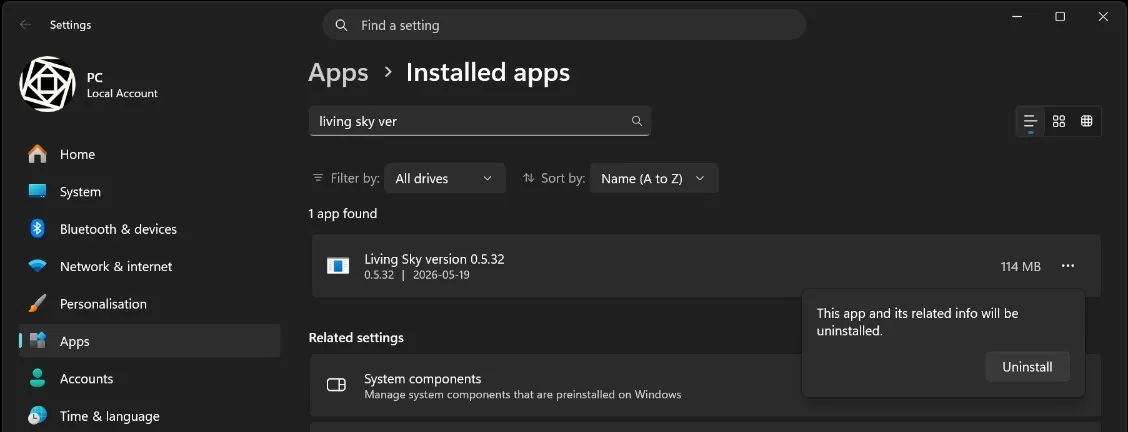
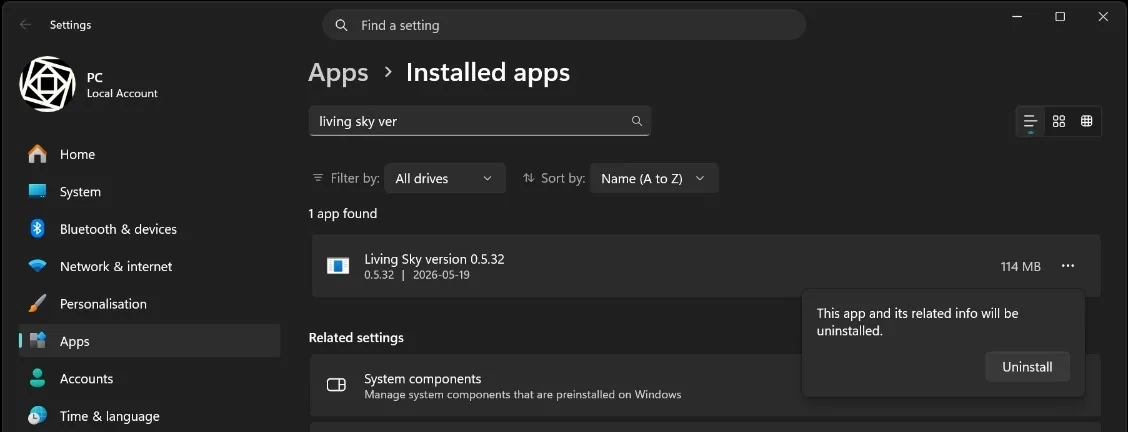
- Open your system settings, and select Apps > Installed apps.
- Use the search bar to look for Living Sky.
- Click on the three dots to the right of Living Sky, and select Uninstall.
- Follow the instructions.
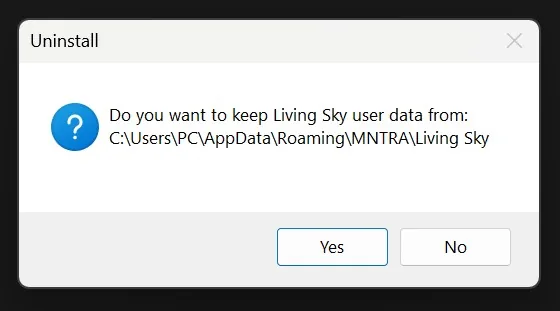
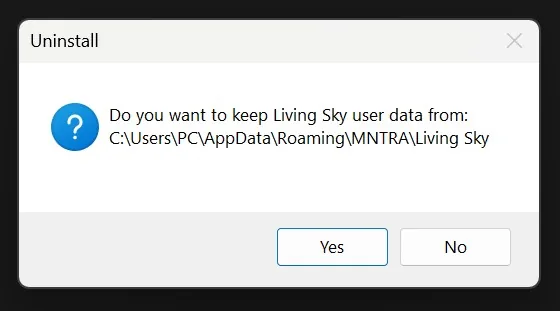
- Decide if you want to keep the App Data folder to retain your saved snapshots, scenes and the downloaded spaces.
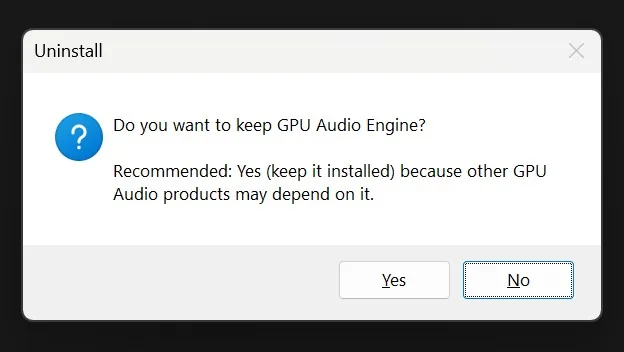
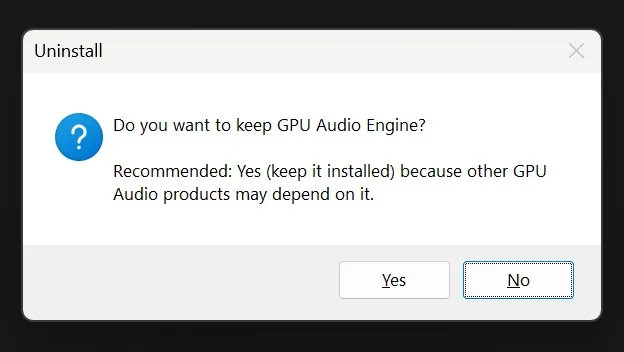
- Decide if you want to keep the GPU Audio Engine.
- Decide if you want to keep the App Data folder to retain your saved snapshots, scenes and the downloaded spaces.
19.2On Mac
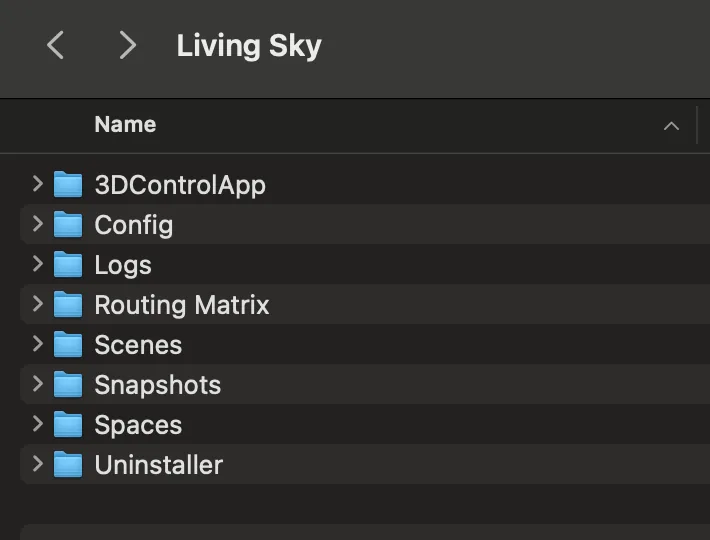
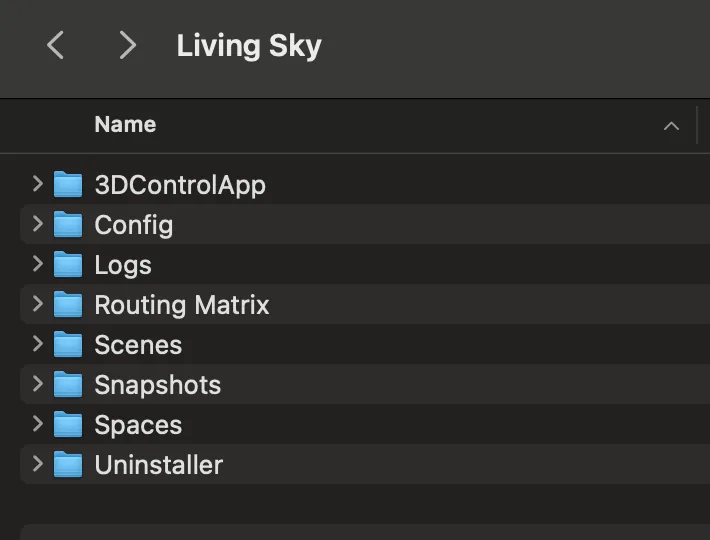
- Go to your Main Drive > Users > Library > Application Support > MNTRA > Living Sky.
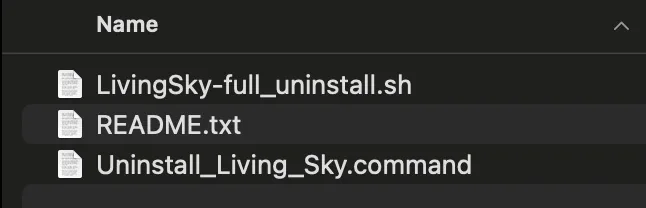
- Open the Uninstaller folder.
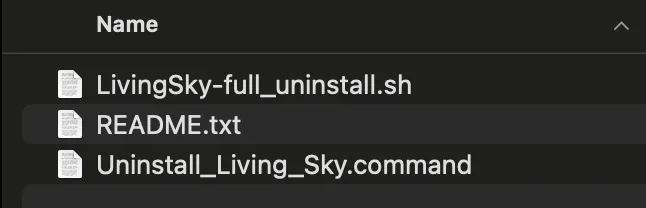
- Follow the instructions provided in the README file inside of this folder. Run the .command file present in this folder.
- Follow the instructions.
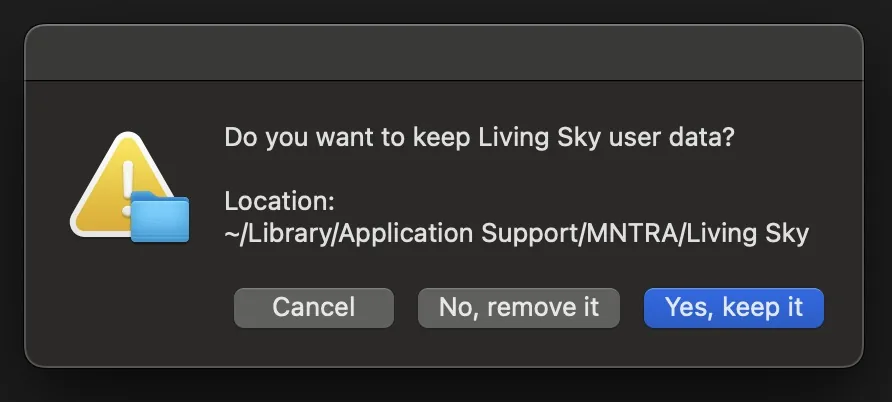
- Decide if you want to keep the Application Support folder to retain your saved snapshots, scenes and spaces.
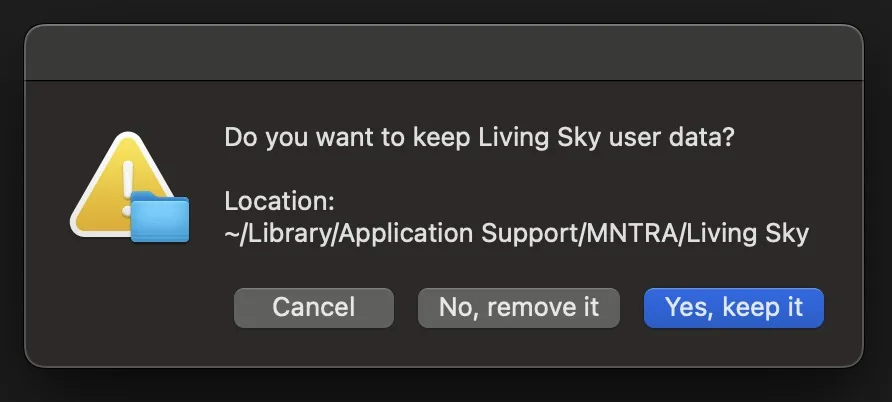
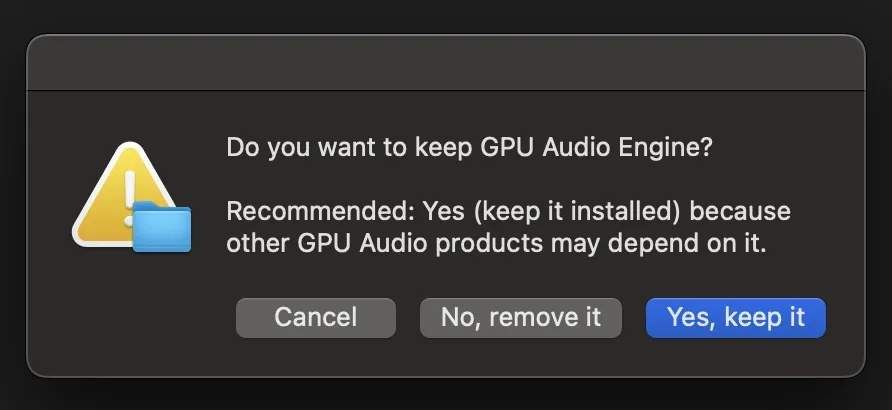
- Decide if you want to keep the GPU Audio Engine.
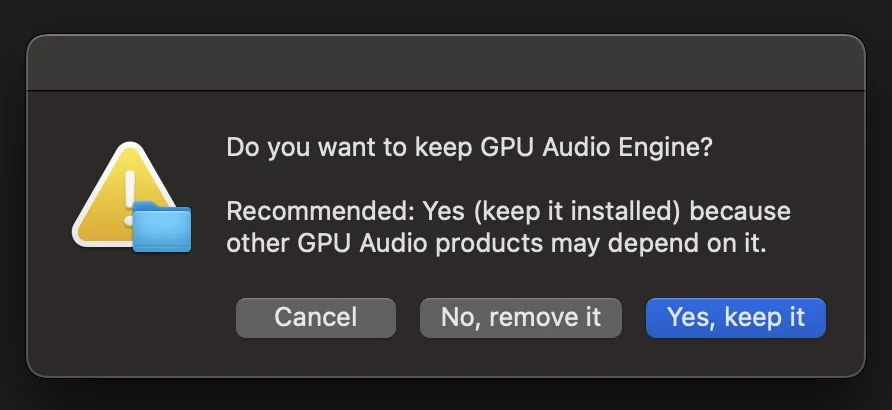
- Decide if you want to keep the Application Support folder to retain your saved snapshots, scenes and spaces.