

Output Section
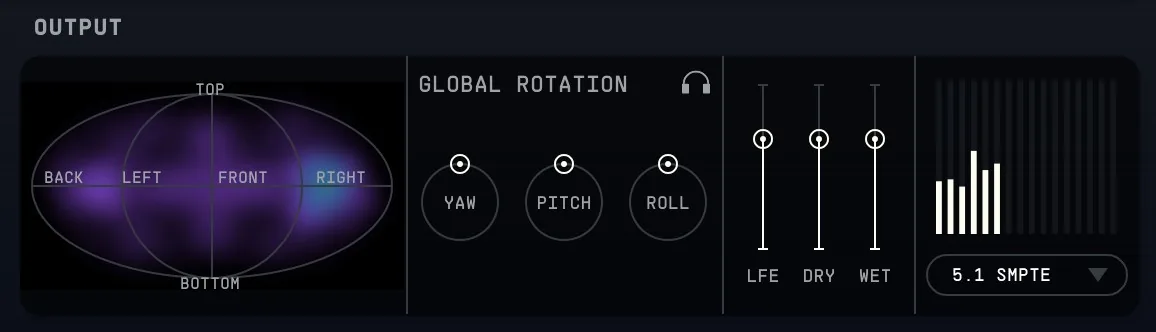
17.1Heatmap
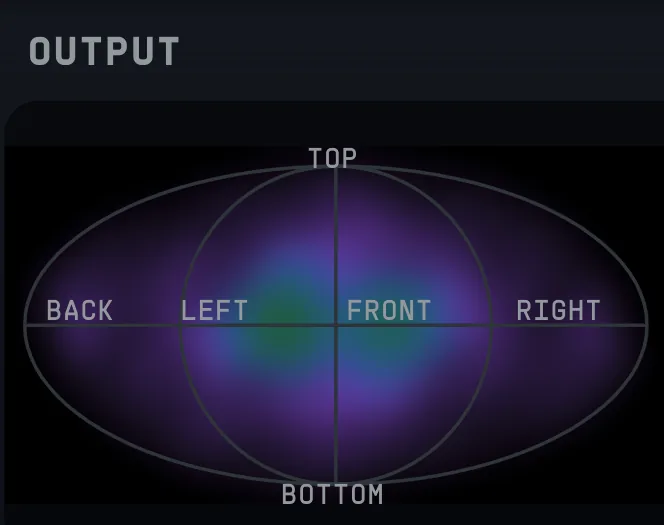
The heatmap displays a 2D representation of the intensity distribution in 3D space. The colour scale shows how sound energy is distributed throughout. The heatmap displays RMS values where averaging is implemented via leaky integration, and the "Meter speed" setting allows to tune the time constant used in said integration (slow, medium or fast).
Double-clicking toggles on and off the positional labels such ('Front', 'Back', 'Left', 'Right', etc.)
17.2Global Rotation
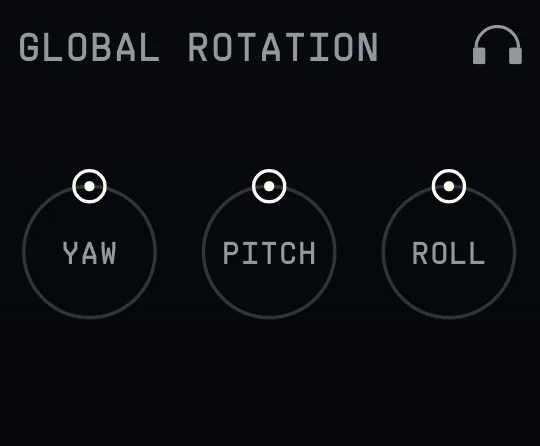
In this section, parameters for Yaw, Pitch, and Roll can be used to control the rotation of the entire global output scene/signal. All values are measured in degrees.
- Yaw controls the horizontal rotation around the vertical axis.
- Pitch controls the vertical rotation around the side-to-side axis.
- Roll controls the rotation around the front-to-back axis.
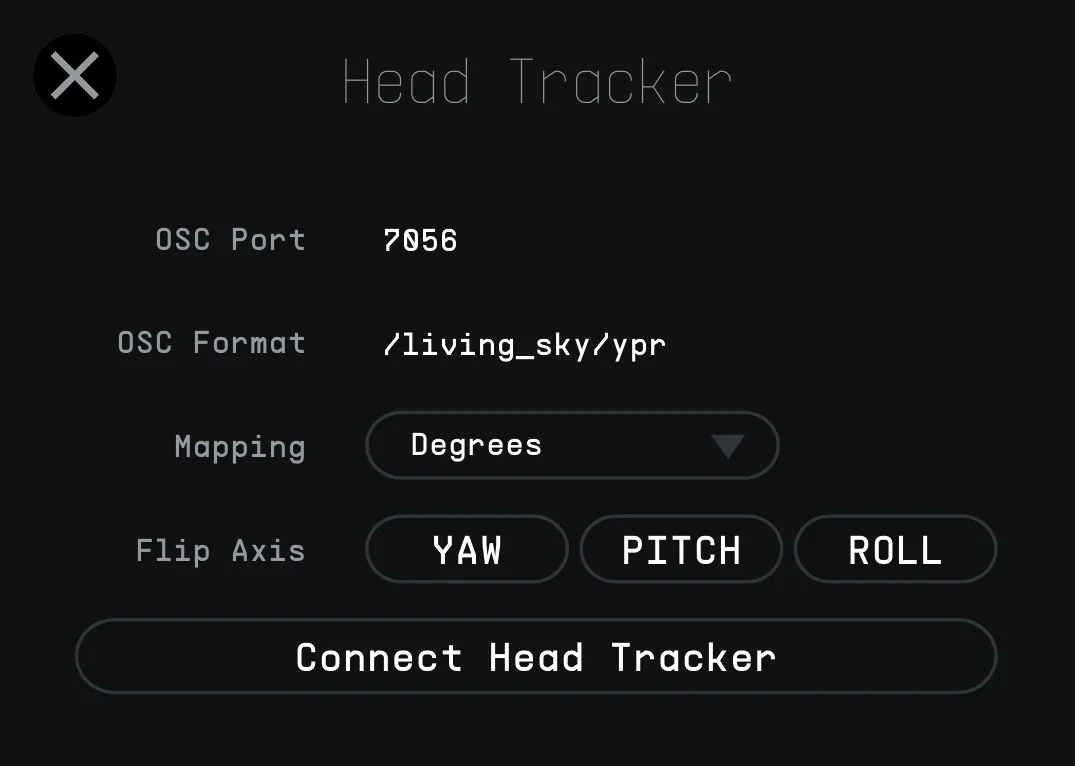
Additionally, when clicking the headphones icon on the top right, headtracking settings will be displayed in a floating window. OSC Port and format information can be found there. Controls to change the mapping between Degrees and Radians is also available, and flips for each axis (Yaw, Pitch, Roll) are available.
17.3Global Levels
The main output control features three faders to adjust output levels for Dry and Wet signals, as well as the LFE channel in the multichannel configurations.
When the decoder is set to Binaural, Stereo, or Quad output configurations, the LFE control is disabled, as these formats do not utilize a dedicated low-frequency effects channel.
This section allows precise balancing of the direct signal, reverberated signal, and low-frequency effects channel level10 across different output formats.
17.4Global Meters
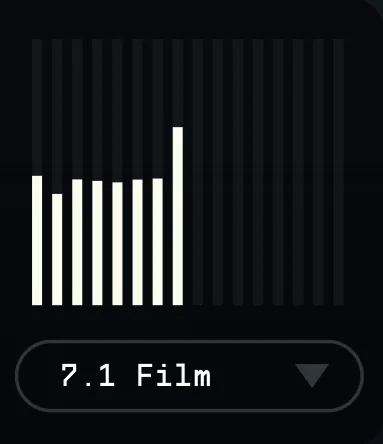
This section displays meters for up to 16 channels, depending on the output channel configuration. The meter allows monitoring the signal levels for each channel individually, adapting to the multichannel setup in use. This feature supports a wide range of channel configurations to accommodate both stereo and large multichannel setups. As the heatmap, it will follow the Meter Speed set in the General Settings.
17.5Decoder Selection Menu
In this section, you will find all of the available output channel configurations. These options range from stereo and Binaural (2 channels) up to advanced multichannel setups supporting 24 channels (NHK 22.2), or Ambix (3rd, 4th or 5th Order according to the Internal Processing setting).
Living Sky supports multiple multichannel audio standards, including Film and SMPTE formats, allowing flexible integration into various professional workflows.
17.6List of Decoder Formats available
- Stereo
- Binaural
- Quad
- Cube11
- 5.1 (SMPTE, FILM)
- 7.1 (SMPTE, FILM)
- 7.1.2 (SMPTE, FILM)
- 7.1.4 (SMPTE, FILM)
- 7.1.6 (SMPTE, FILM)
- 9.16 (SMPTE, FILM)
- 22.2 (SMPTE)
- AmbiX (3rd, 4th or 5th-order ambisonics)