Installation
- Once purchased through our website, you will receive an email with the download link for the Living Sky installer.
The installer includes:
- Living Sky Plug-in and 3D Control App
- Outer Echo processor
- GPU audio processor
- Main Spaces Collection + Lese Virtual Spaces Collection
These will all be installed by following the instructions in the installer.
- Go to your MNTRA account, and log in to your MNTRA account. You will see Your Products.
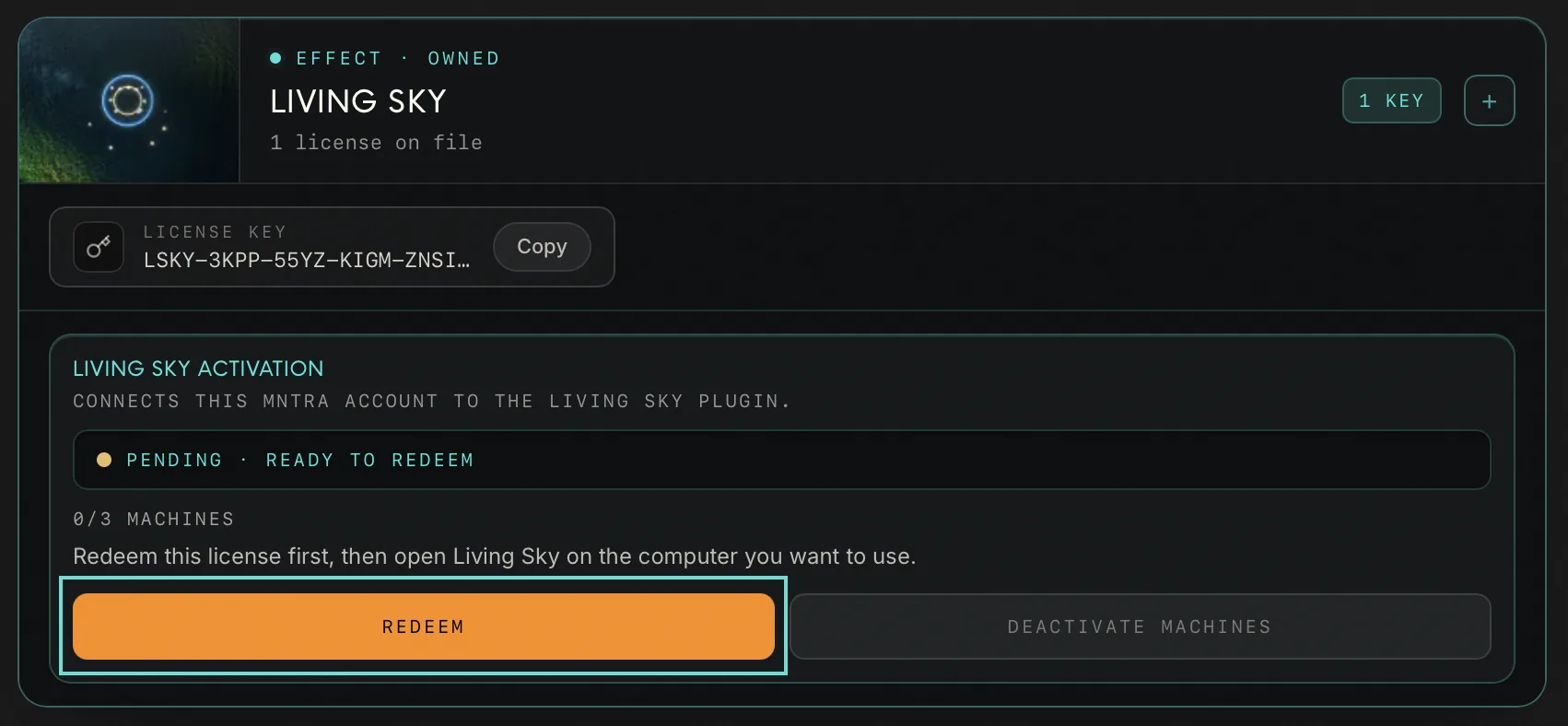
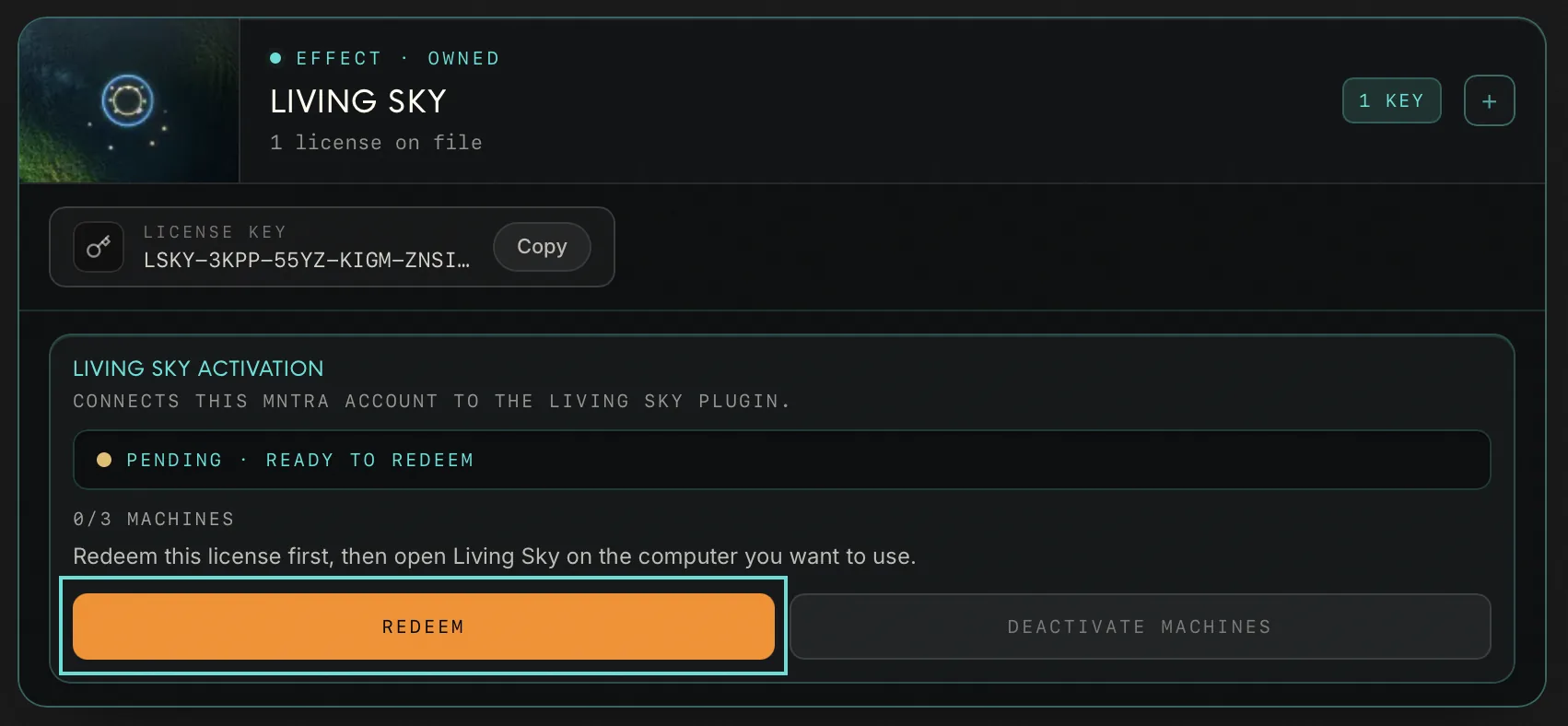
- Locate Living Sky. Click on Redeem to validate your license key for the first time1, the button will then be greyed out.
- Run the installer for your operating system (Mac or Windows2).
- Launch your DAW4 of preference.5
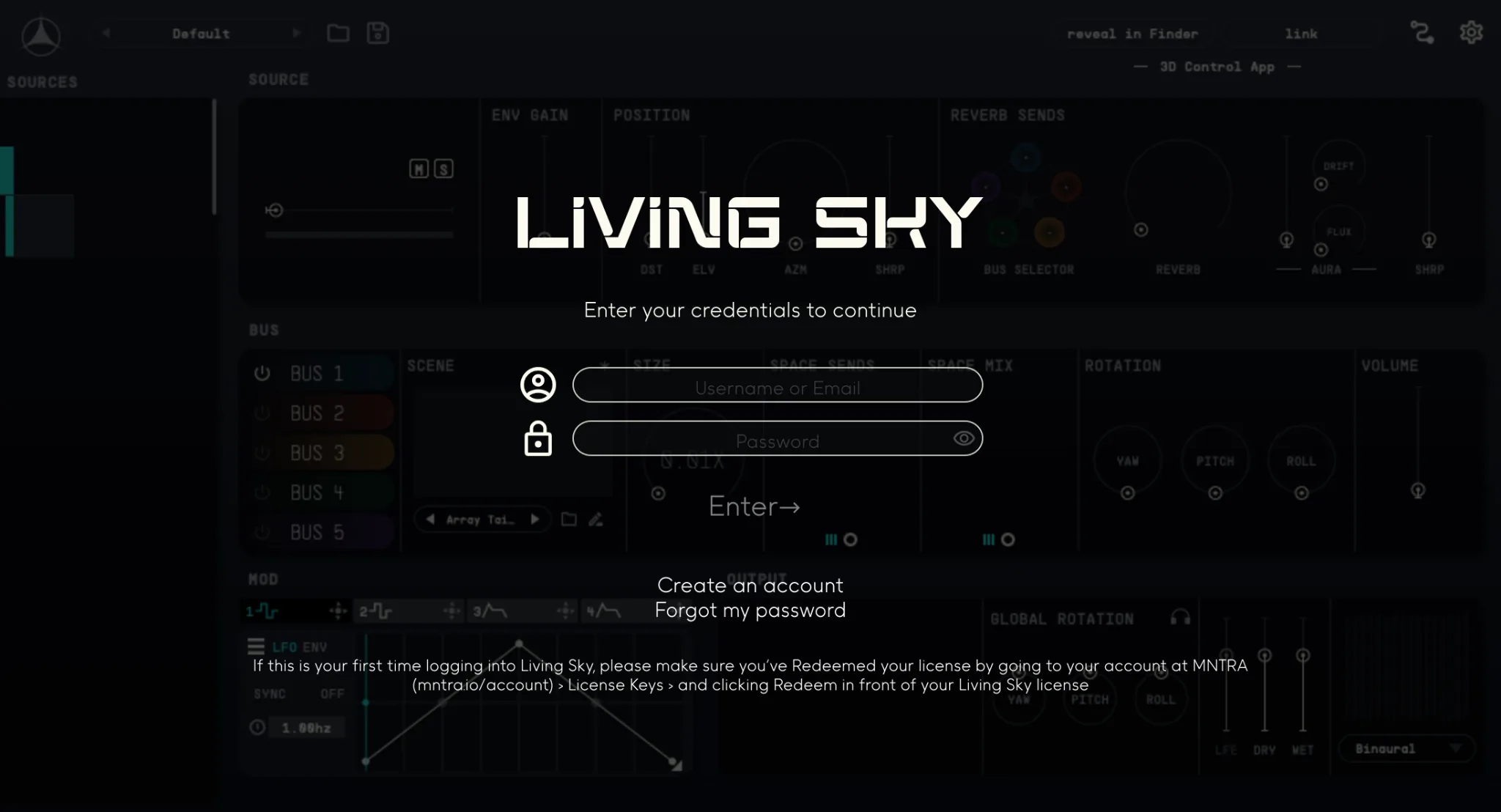
- Open an instance of Living Sky in an insert in an audio or auxiliary track.
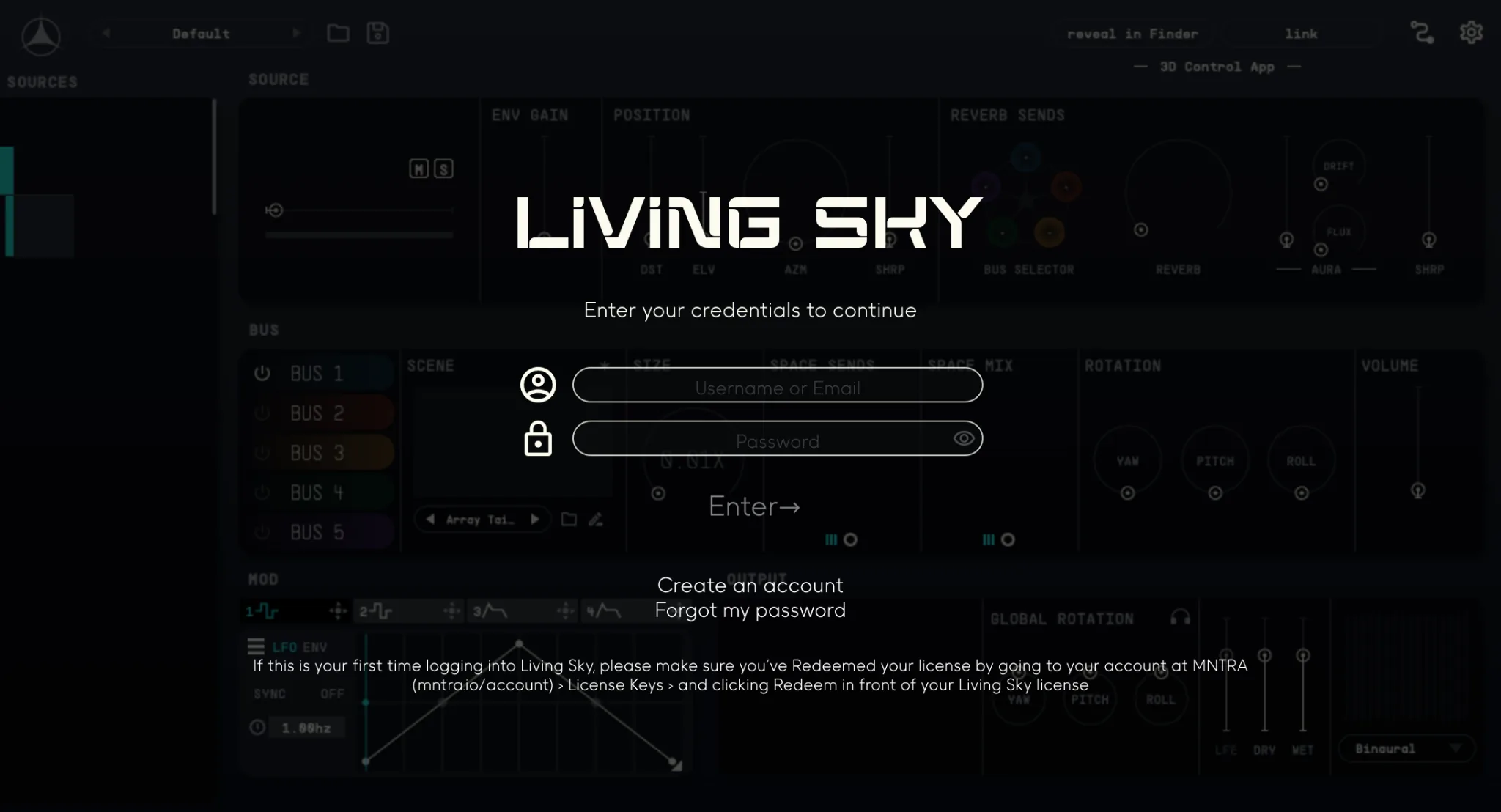
- You will be prompted to log in the first time using the software. Enter the email/username and password for your MNTRA Account.
- Once activated you can start using the full version of Living Sky! Please get in touch if you're having any registration or installation issues.
- Remember you can activate up to 3 machines with your Living Sky License Key. You can check your active machines in your MNTRA Account page.