
FX plug-ins
Install your plug-in directly in your DAW. No MNDALA required.
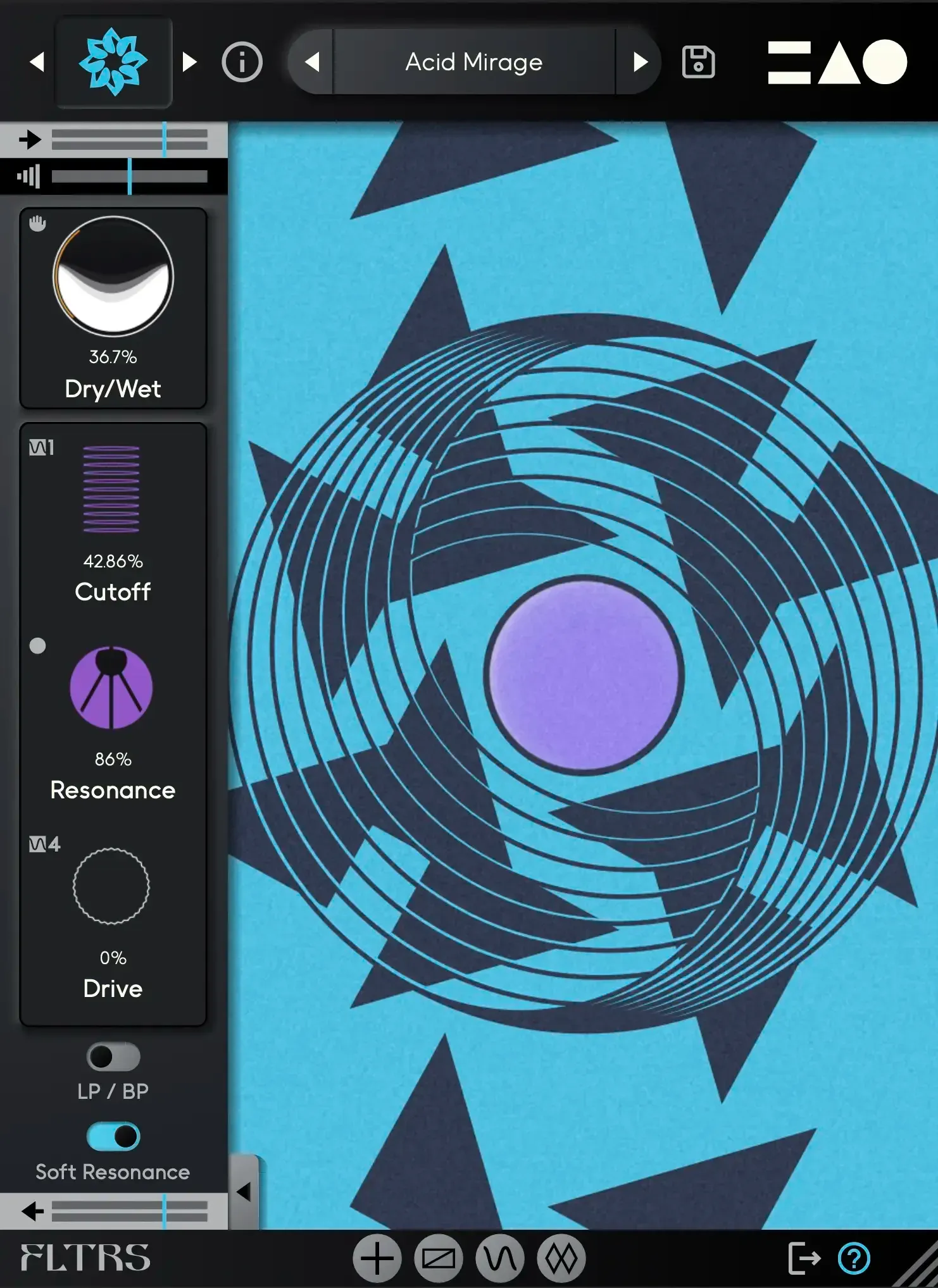
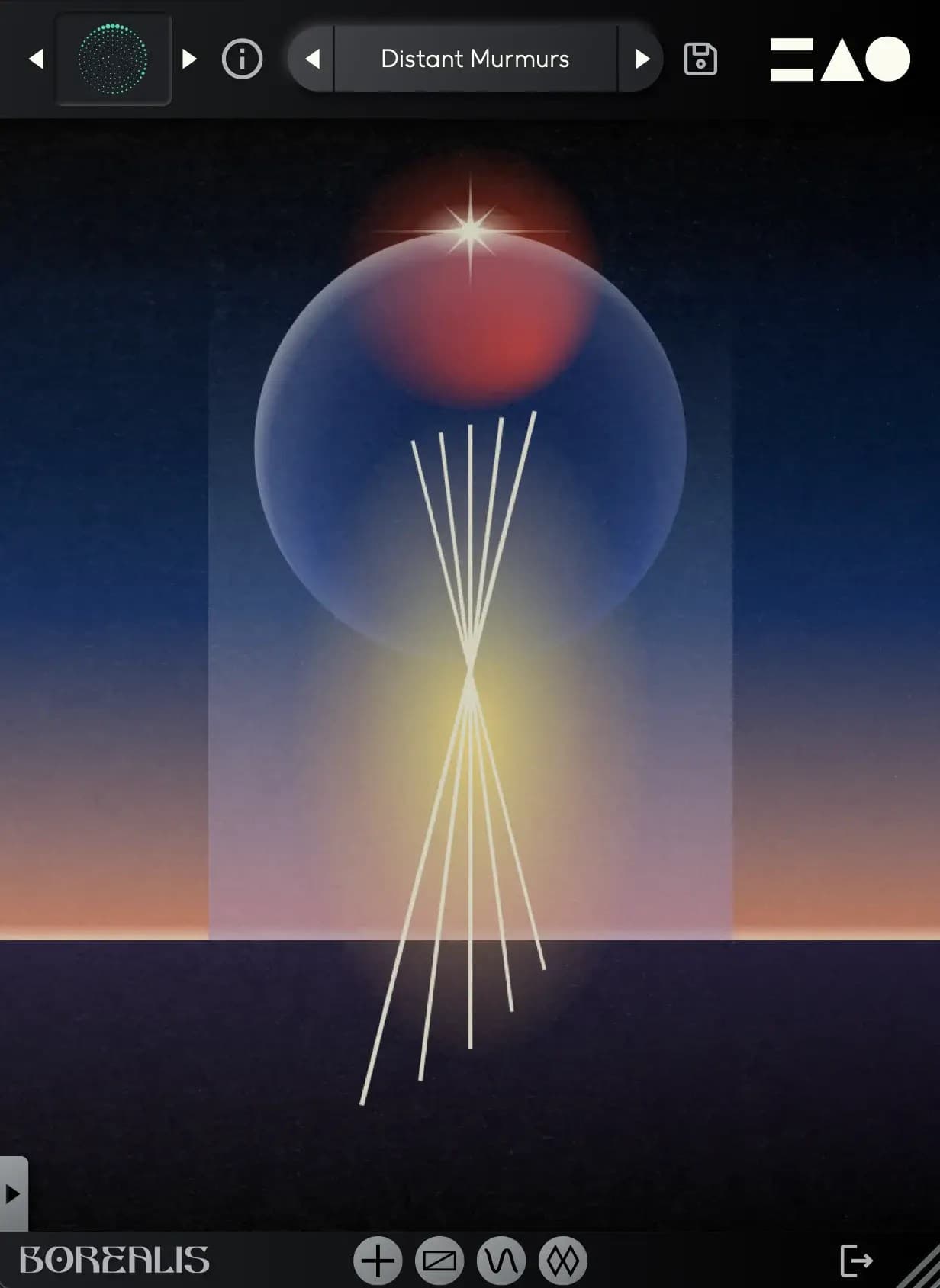
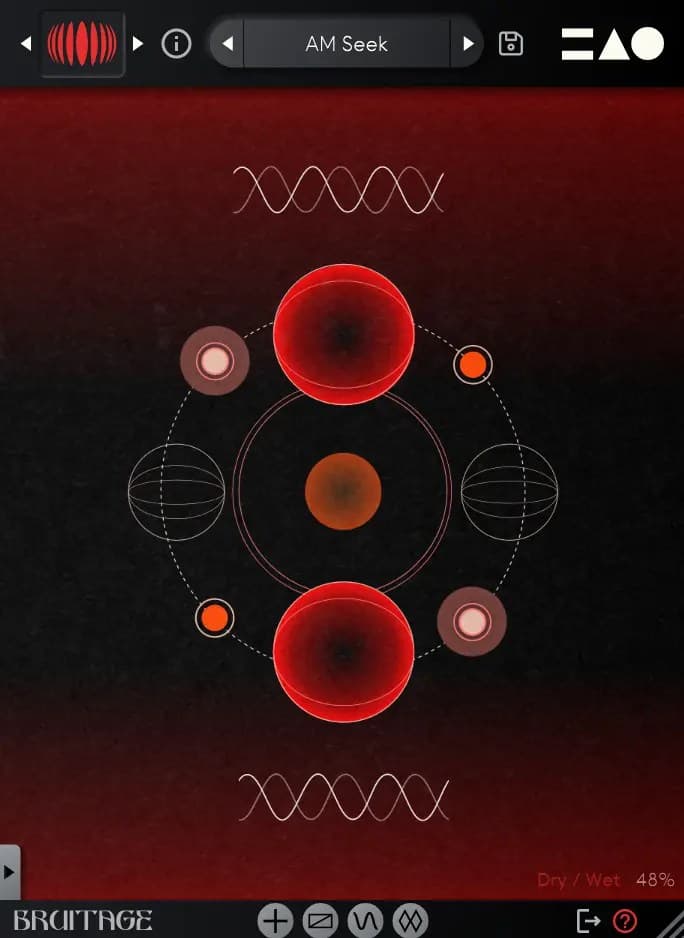
Download link by email
After purchasing FLTRS, Borealis, or Bruitage you will receive a download link by email.
Run the installer
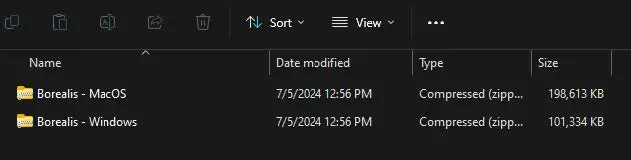
Run the installer for your operating system. We recommend leaving the default settings.
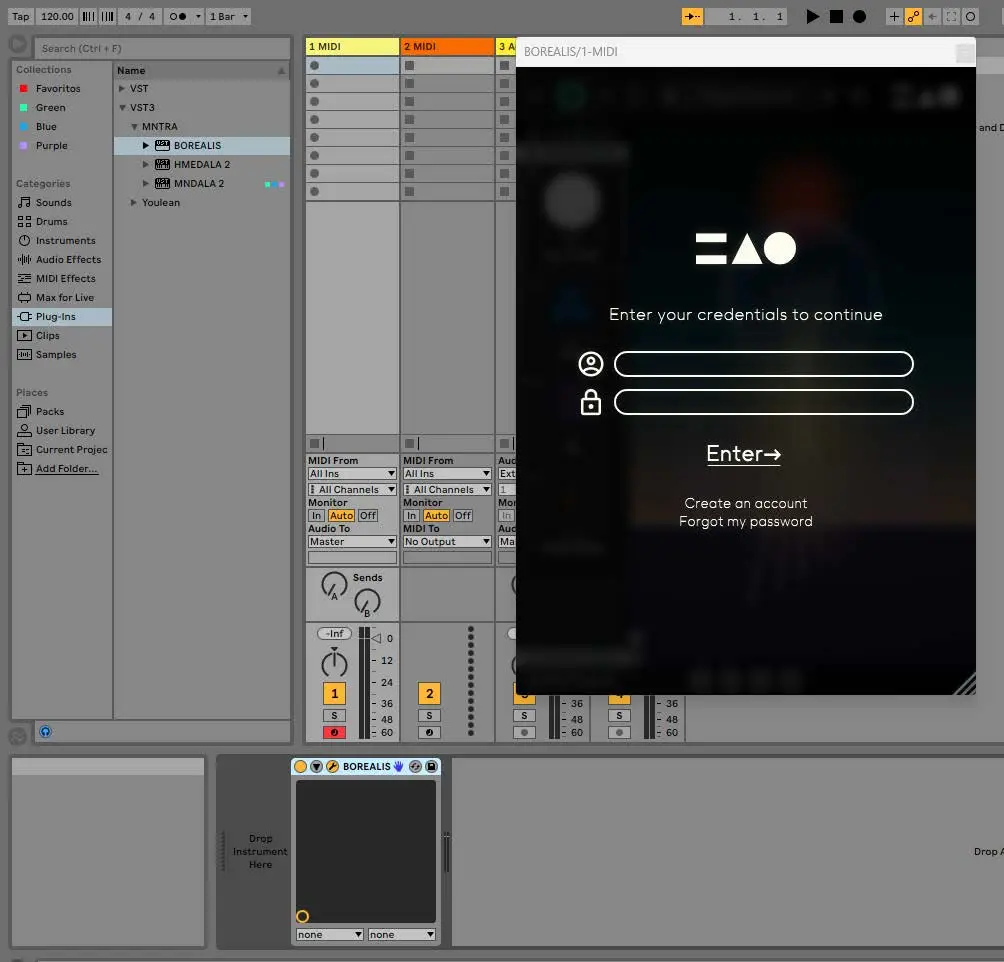
Log in to verify your license
Upon first opening the Plugin you will be prompted to login to your MNTRA Account, and your license will be verified.
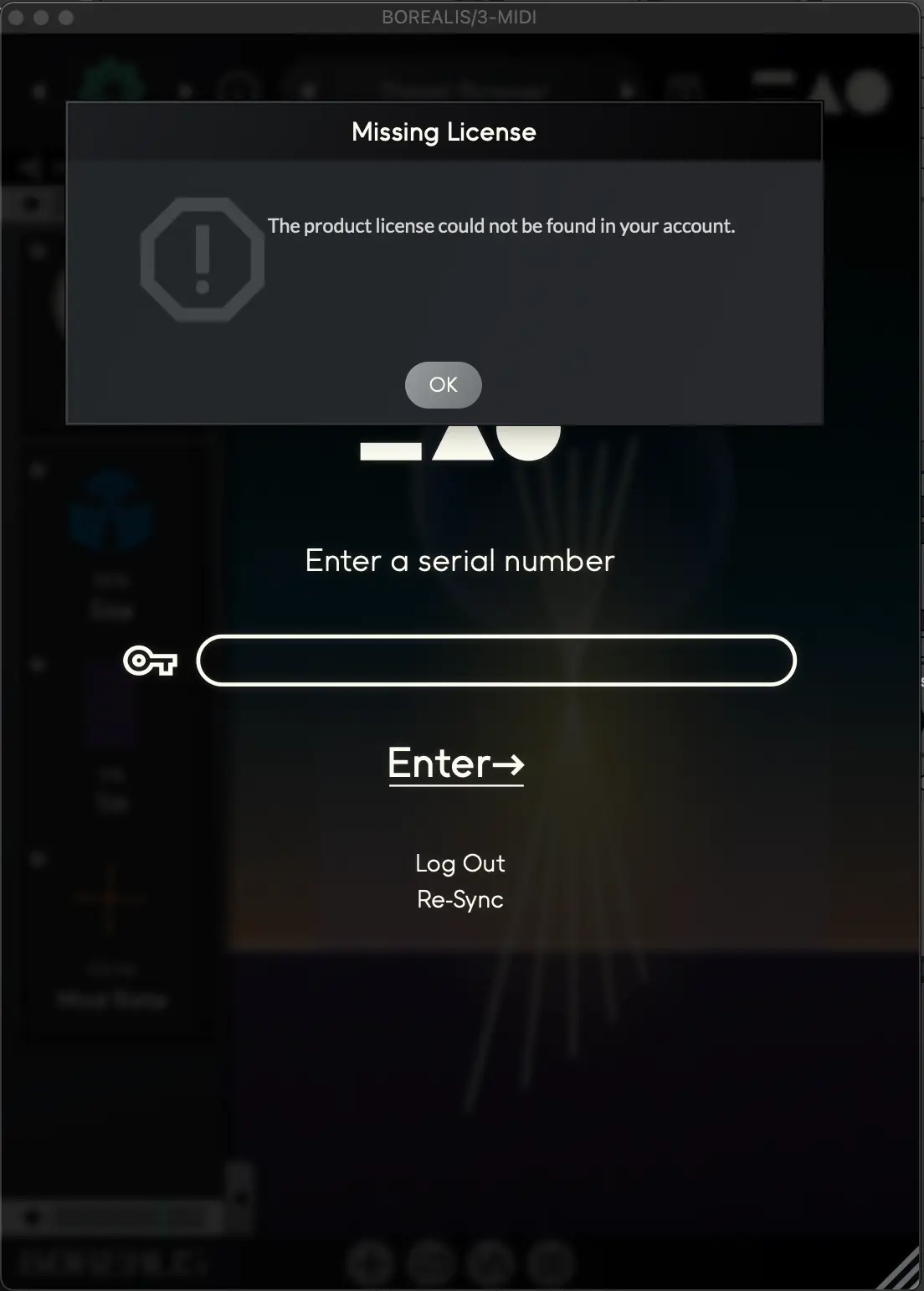
Serial number from a distributor
If you purchased through a distributor you will be prompted to enter a serial number after logging in.
Still stuck? Contact support